Double-entry bookkeeping, made simple
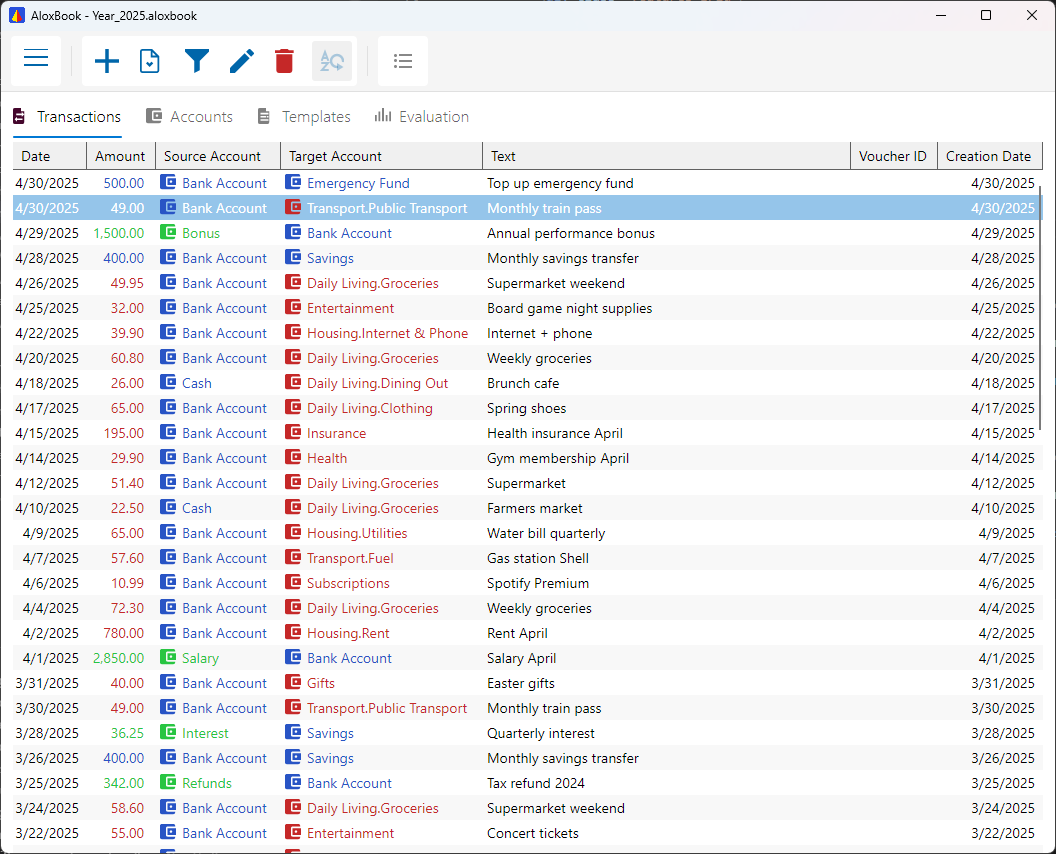
Every transaction has a source and a destination. You always see where your money flows, without a steep learning curve.
Your data stays yours
Password protection is optional. When a password is set, SQLCipher encrypts the book with AES-256; without a password, the book is an unencrypted SQLite database. Forgotten passwords cannot be recovered.
An account tree that fits your life
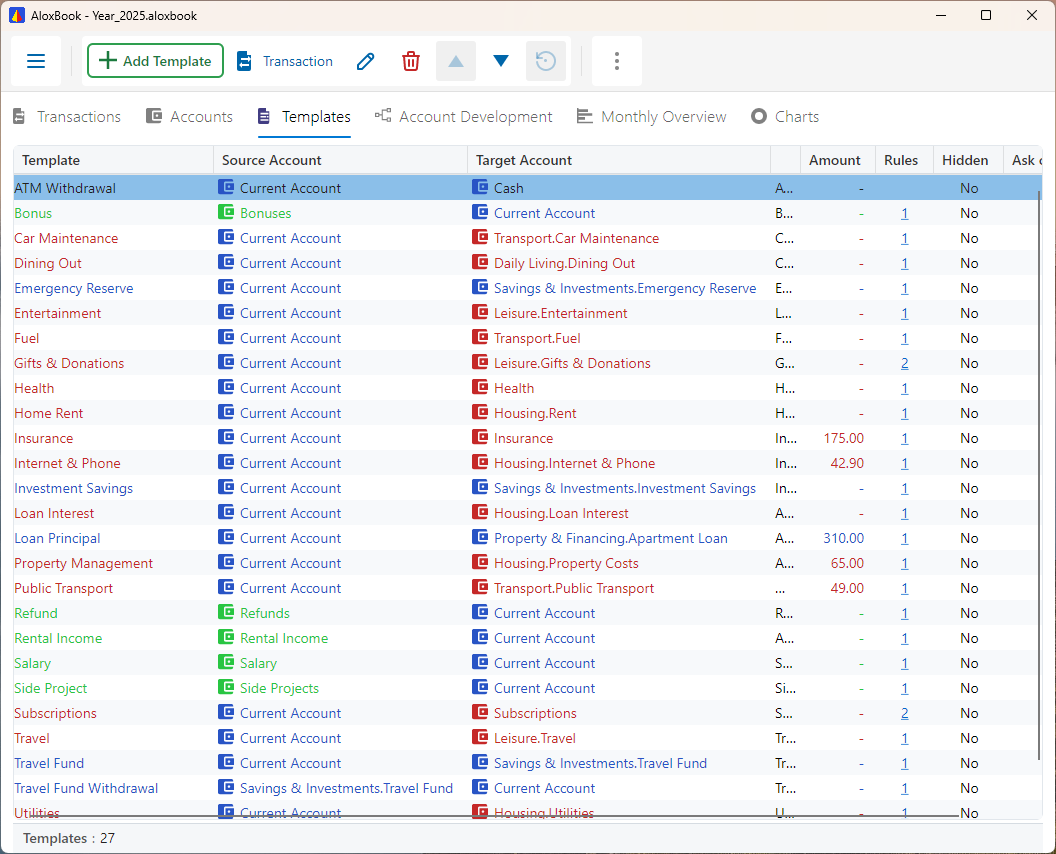
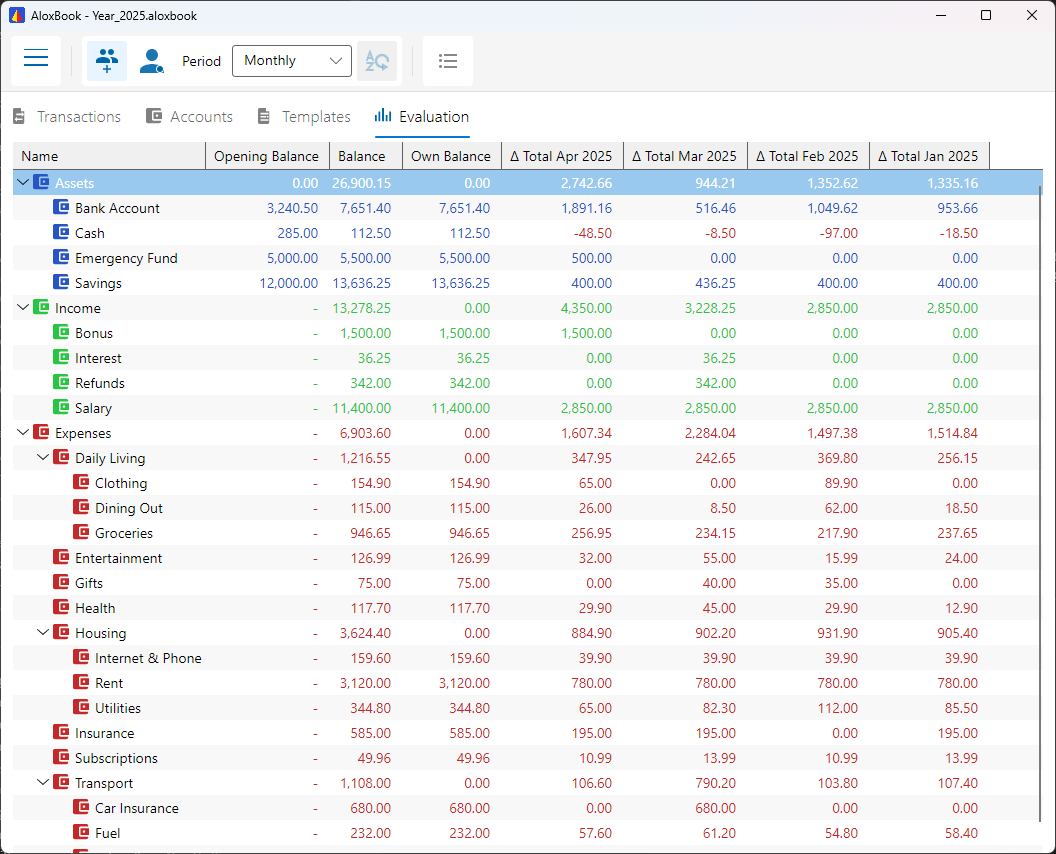
Organize your accounts the way you think: income, expenses, savings goals, projects. Structured around your everyday life.
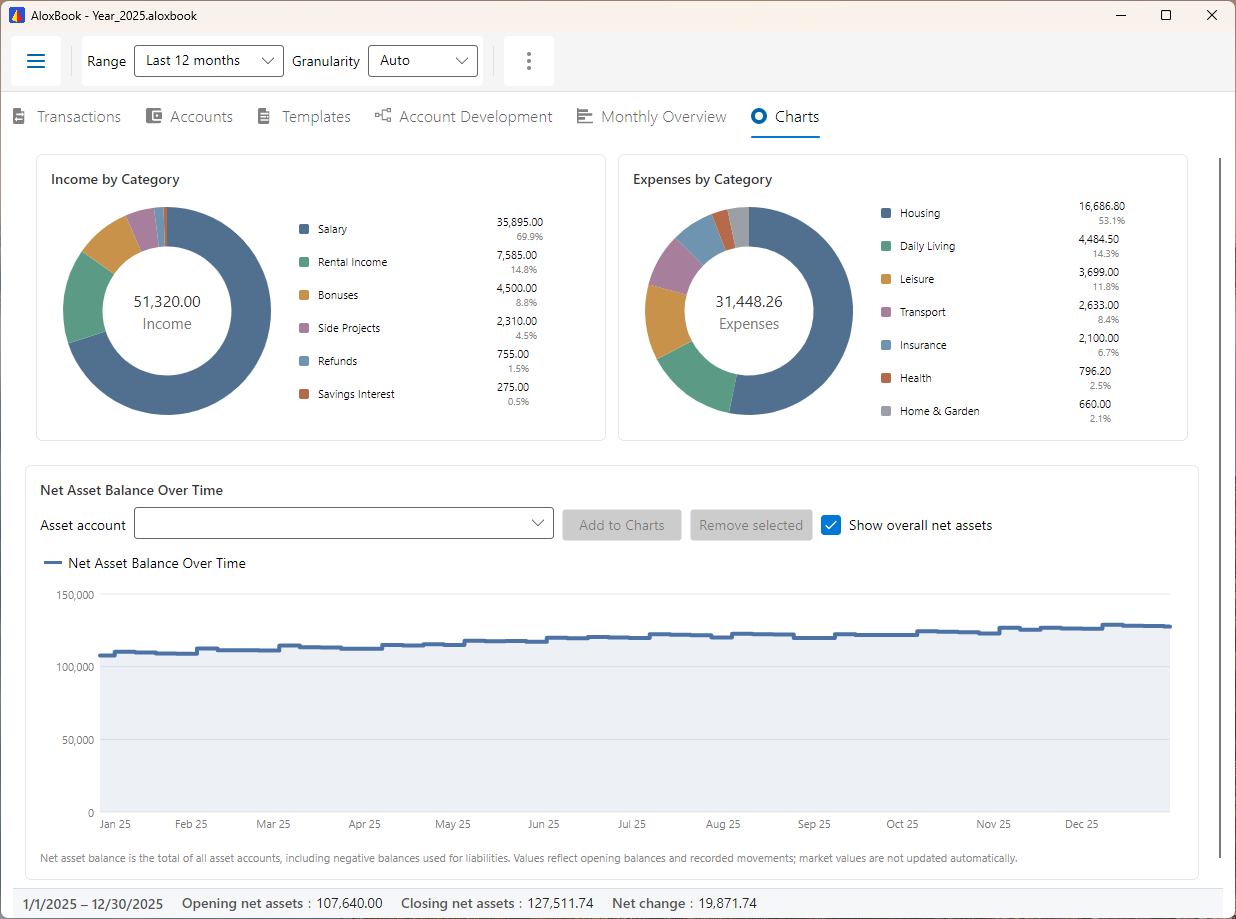
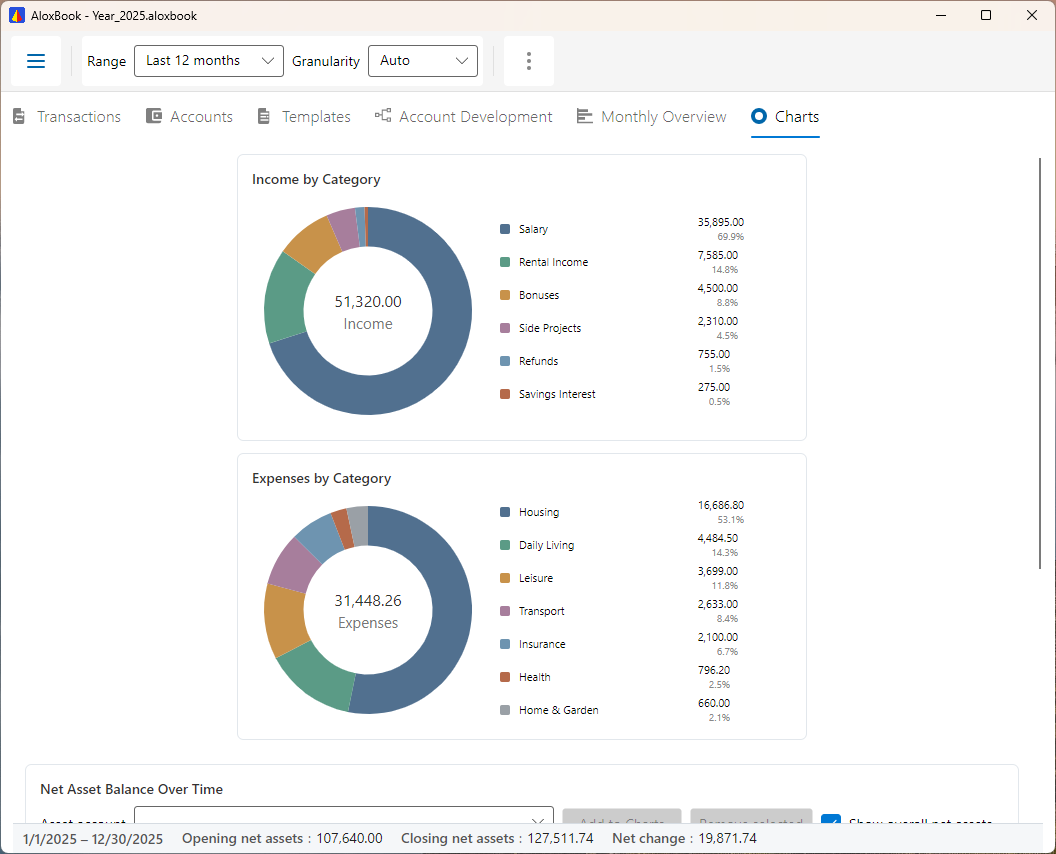
Your net worth at a glance
Bank accounts, savings, loans, and tangible assets if you want to track them: you always see where you stand.
Bank statements, imported in minutes
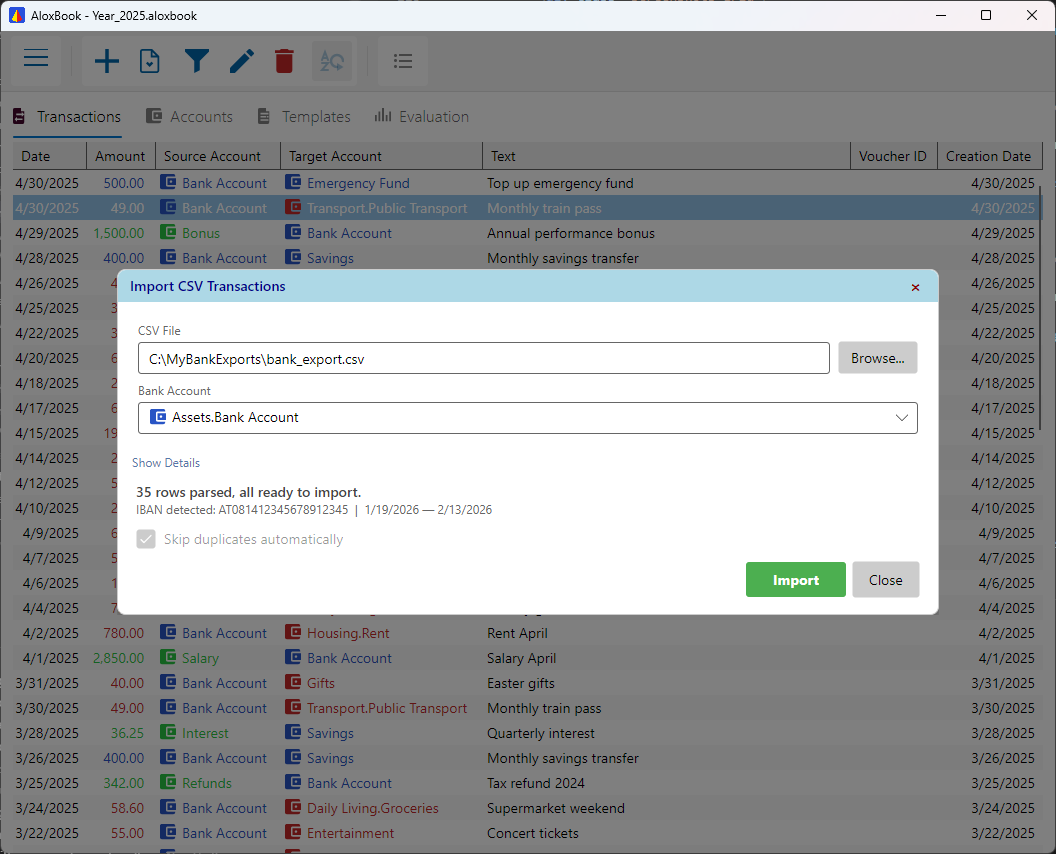
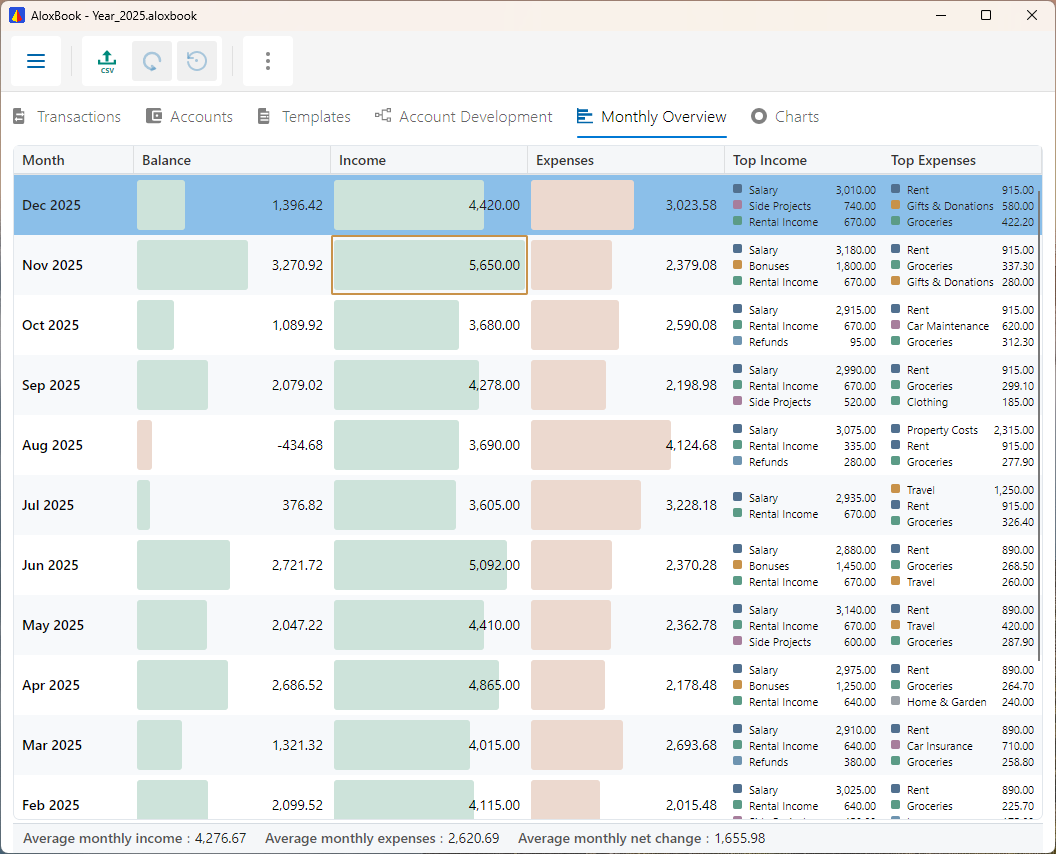
Import your statements as CSV with profiles and matching rules, then export any view for spreadsheets or further analysis.
Close each year cleanly
Close a year and carry your balances into the next automatically. One file per year, neatly archived.