AloxBook is a desktop app for personal bookkeeping. See where your money comes from, where it goes, and how your accounts develop. All in files you own, with no cloud account required.
Everything you need for your personal finances. And nothing that gets in your way.
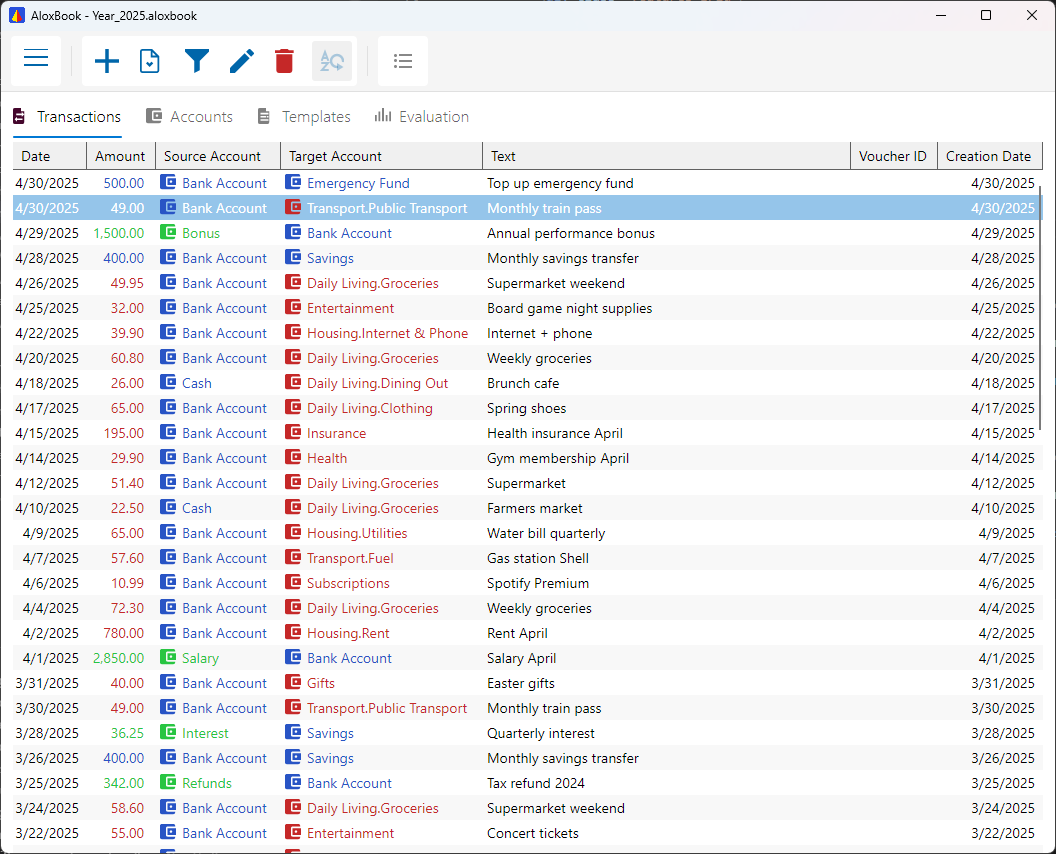
Every transaction has a source and a destination. You always see where your money flows, without a steep learning curve.
Password protection is optional. When a password is set, SQLCipher encrypts the book with AES-256; without a password, the book is an unencrypted SQLite database. Forgotten passwords cannot be recovered.
Organize your accounts the way you think: income, expenses, savings goals, projects. Structured around your everyday life.
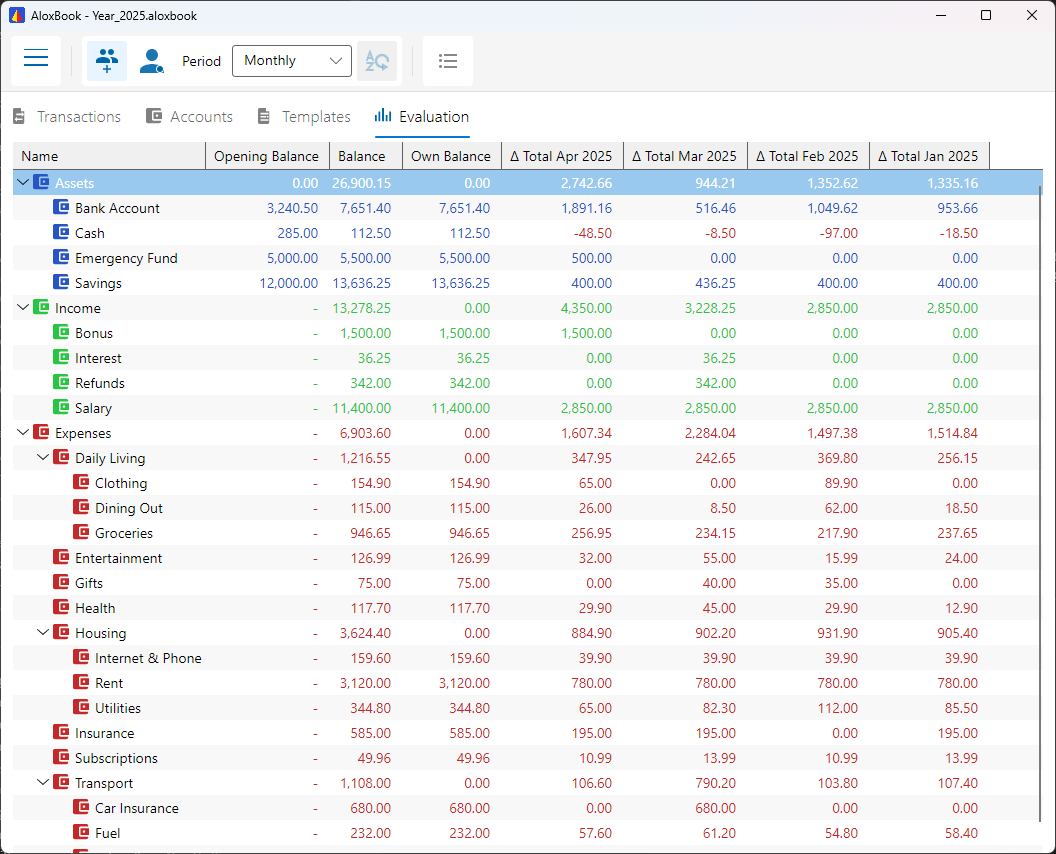
Bank accounts, savings, loans, and tangible assets if you want to track them: you always see where you stand.
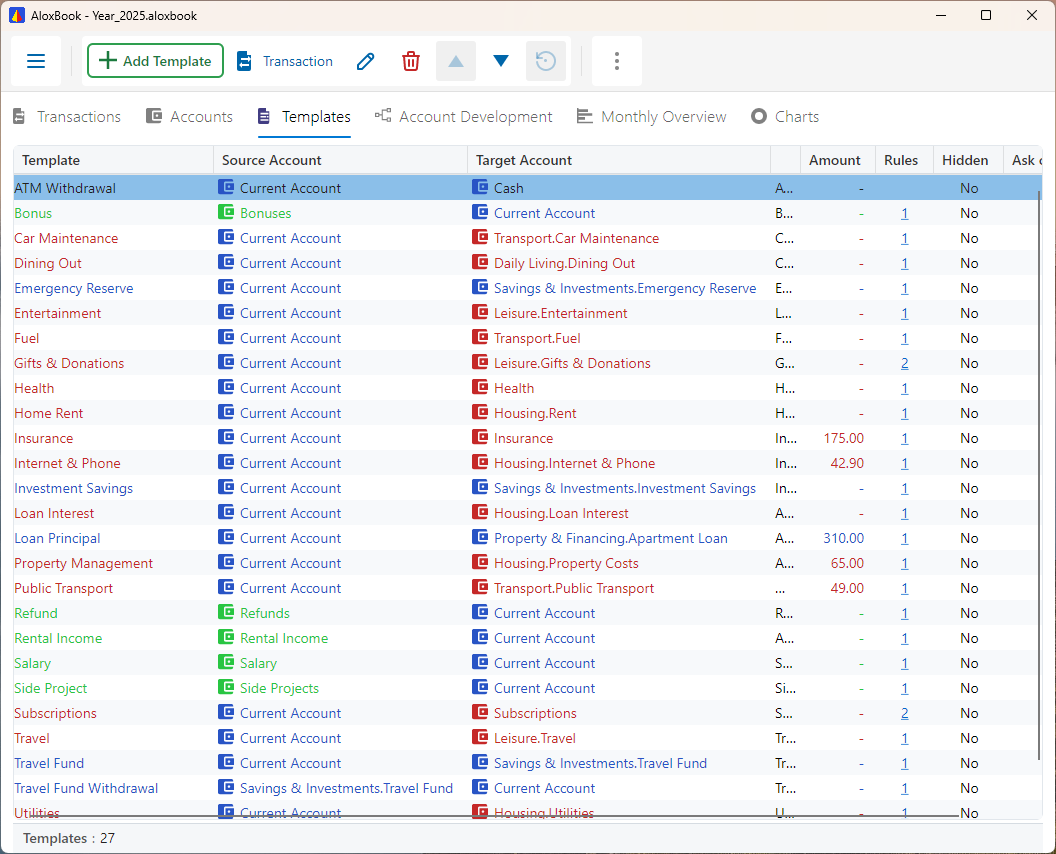
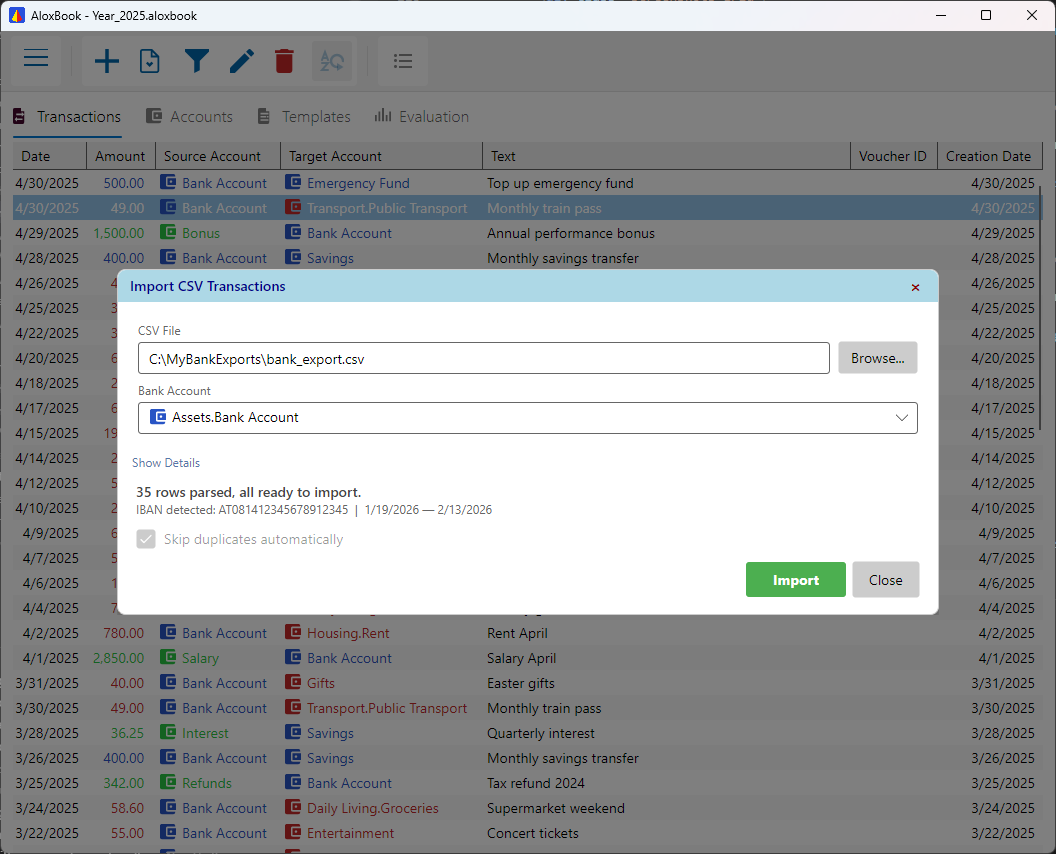
Import your statements as CSV with profiles and matching rules, then export any view for spreadsheets or further analysis.
Close a year and carry your balances into the next automatically. One file per year, neatly archived.
AloxBook is for everyone who wants to keep their finances in their own hands. No forced cloud, no subscription, no accountant jargon.
Rent, groceries, holidays, the car loan: you always see where your money goes and what's left at the end of the month. Without it feeling like work.
Clear accounts and traceable entries can suit simple internal tracking, provided you do not need statutory or professional accounting workflows.
One closed file per year, with balances carried forward automatically. Even ten years from now you can find every single transaction.
AloxBook is not certified or represented as suitable for statutory accounting, tax returns, payroll, audits, or professional accounting services.
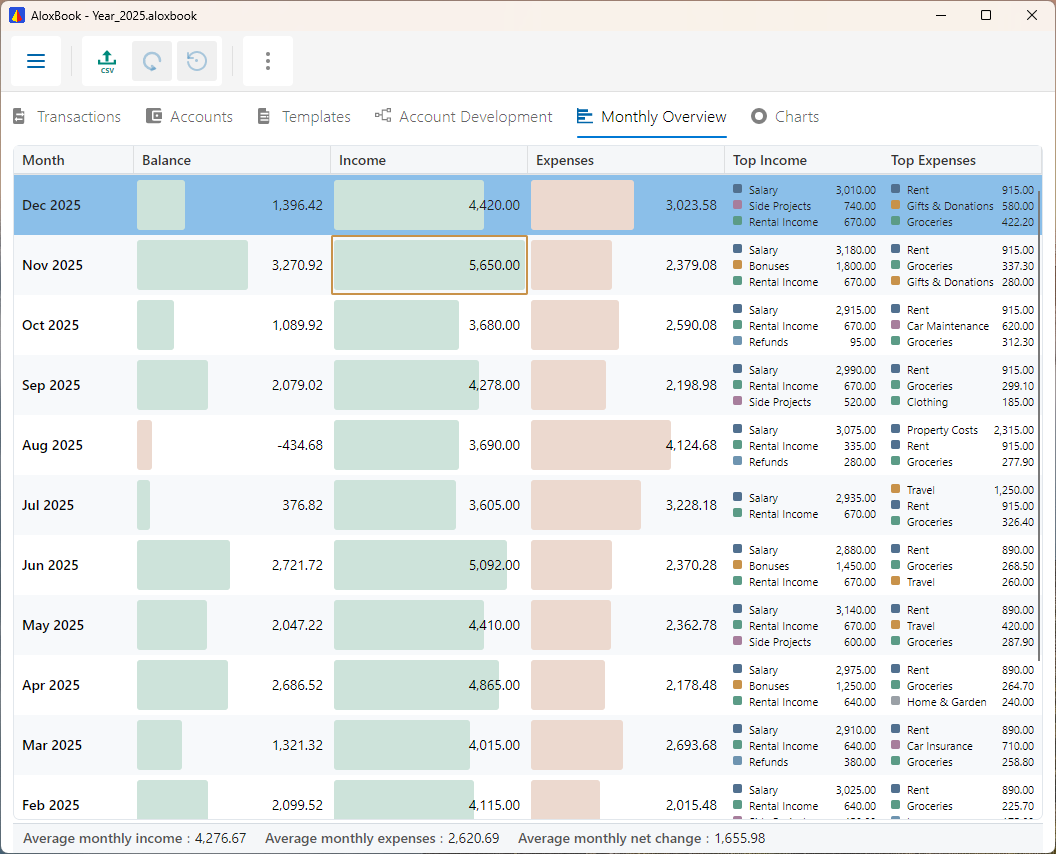
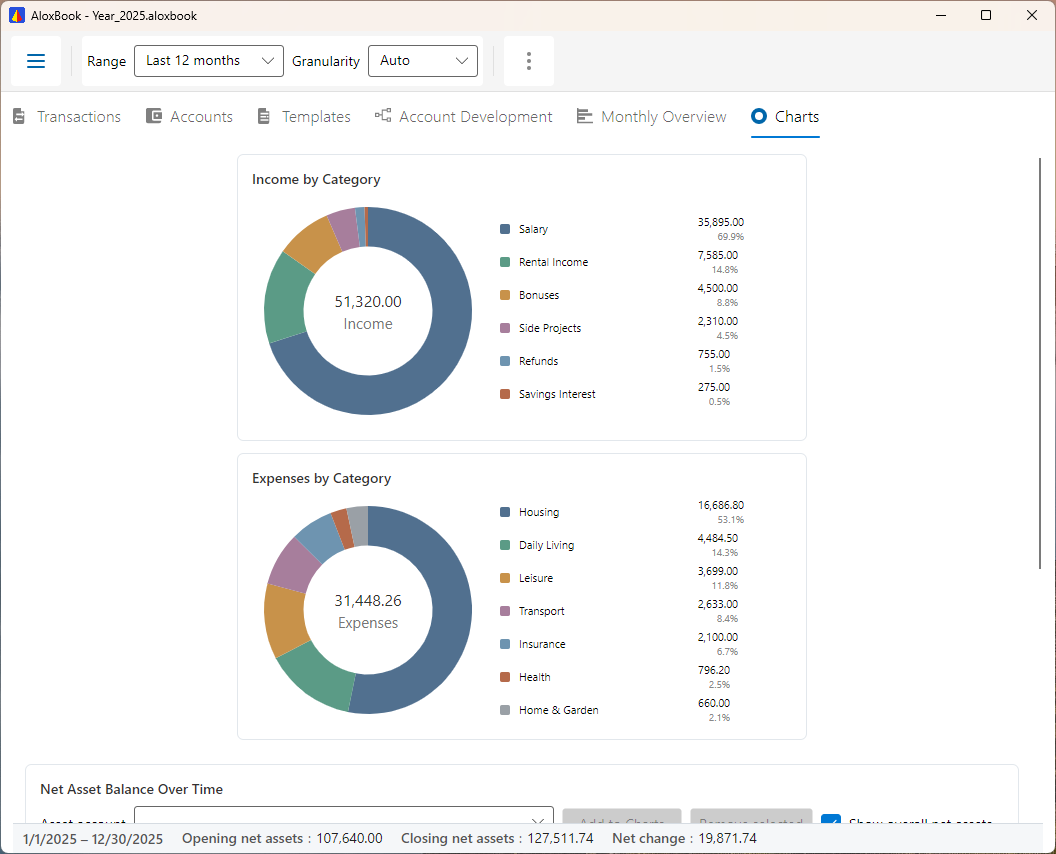
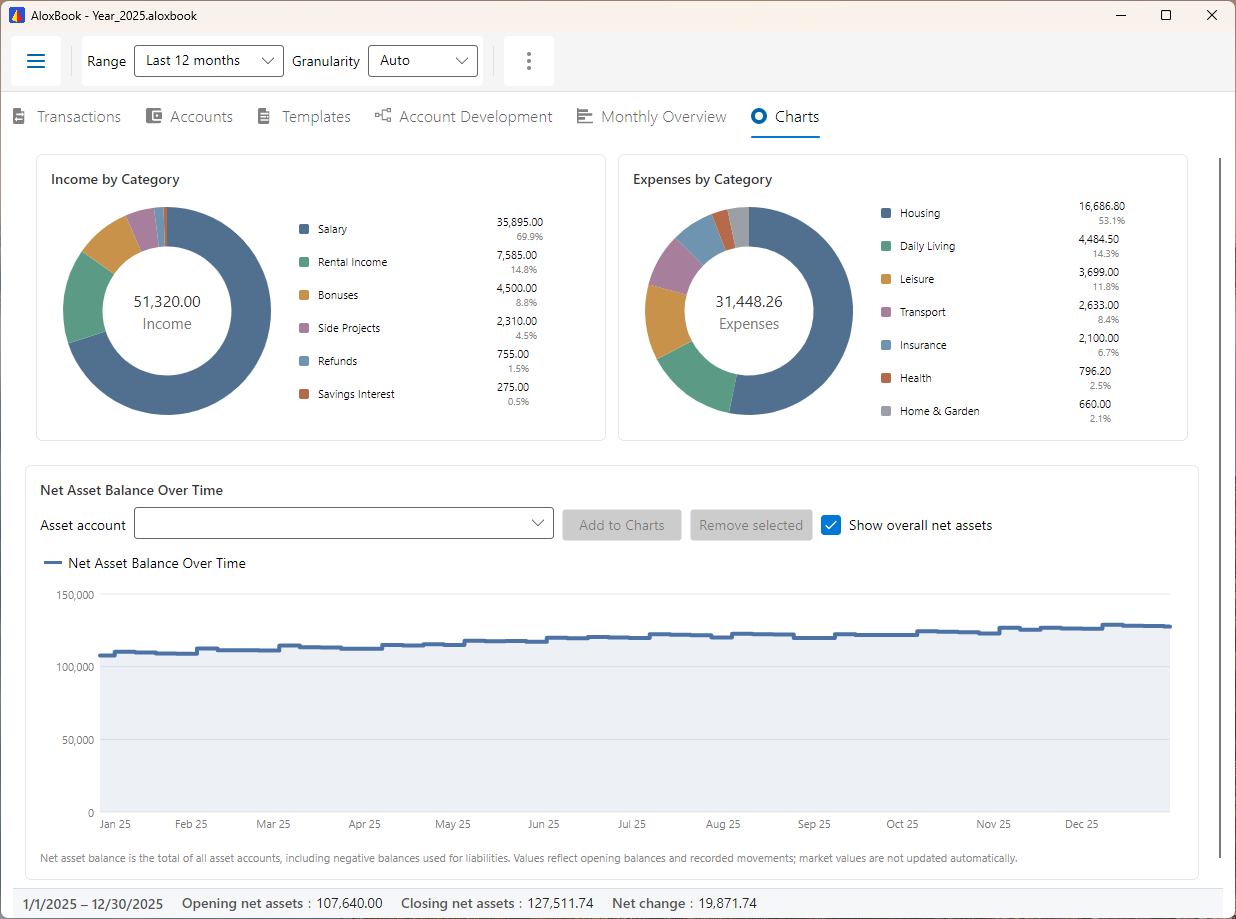
Clean tables, clear structure, and the views you actually use day to day. Click any screenshot to enlarge.
Pick your platform and get started.
Current version: 2.2.0 · August 2026 · Version History · SHA-256 checksums
One book, one portable file. Your data stays in a .aloxbook file you control. Close AloxBook before copying it. Back up the file regularly and keep its password safe. There is no password recovery.File and backup details
Windows 10 version 2004+ (64-bit) · Store-managed updates
winget install --id AloxBook.AloxBook -e
Setup.exe download when Microsoft Store is unavailable (no admin rights needed).aloxbook file to open itThe direct installer is unsigned and Windows SmartScreen may warn before running it. If winget fails because a source is out of date, run winget source update and retry. Use --source winget to select the community package explicitly.
x86_64 · ~35 MB · chmod +x then run
chmod +x AloxBook-*.AppImage./AloxBook-*.AppImageIf you get a FUSE error, install libfuse2 (sudo apt install libfuse2) or on Ubuntu 24.04+: libfuse2t64
flatpak install flathub com.aloxbook.AloxBook
x86_64 + aarch64 · Flathub · ~43 MiB
flatpak is installed (setup guide)flatpak install flathub com.aloxbook.AloxBookflatpak run com.aloxbook.AloxBookAdvanced fallback: download the direct Flatpak bundle (x86_64) and install it with flatpak install --user AloxBook-*.flatpak. Flathub is recommended because updates arrive through your software center or flatpak update.
macOS 15 Sequoia or later · Developer ID signed · Apple notarized
.dmg and drag AloxBook to ApplicationsAloxBook is signed with an Apple-issued Developer ID and notarized by Apple. macOS can verify the publisher and that the download has not been modified after signing.
Any person or organization may install and use AloxBook free of charge, including for personal, organizational, or commercial purposes. See the licence terms.